Full-screen 1920x1080 resolution adaptation for the Fantasy Football client of the fumbbl.com project
There’s a board game invented by Games Workshop employees that few people know about. It’s one of those tabletop games where there are so many rules that affect how the situation unfolds under different conditions that, to play it, a person needs to enter a deep game trance in which their consciousness is fully focused on the game elements and switches between them. This isn’t the only game from Games Workshop like this. Every one of their games is like that. My favorite still remains Warhammer Underworlds, and my attraction to Blood Bowl is so great and all-encompassing that it allows me to enjoy both of these games equally.
Part of the game’s appeal lies in interacting with the opponent, and an even larger part of the gameplay consists of imagination and immersion in the game universe, which is greatly aided by the excellent artistic work of many artists who create breathtaking dynamic scenes from the game’s universe. :) Other artists who paint the miniatures of the game’s characters and universe do equally amazing work that stimulates the imagination. And to prove my point, I invite you to look at some examples of their work.
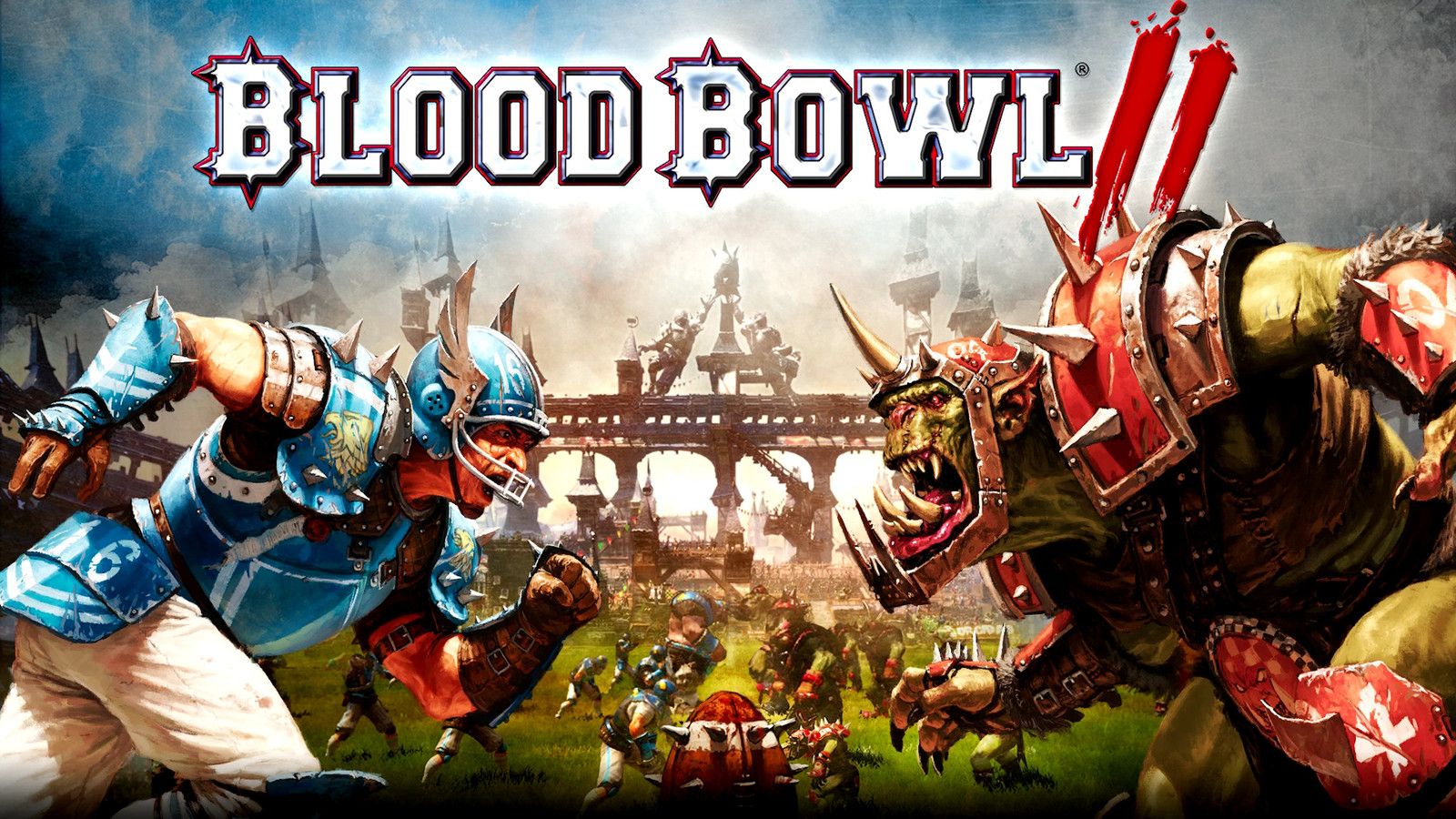
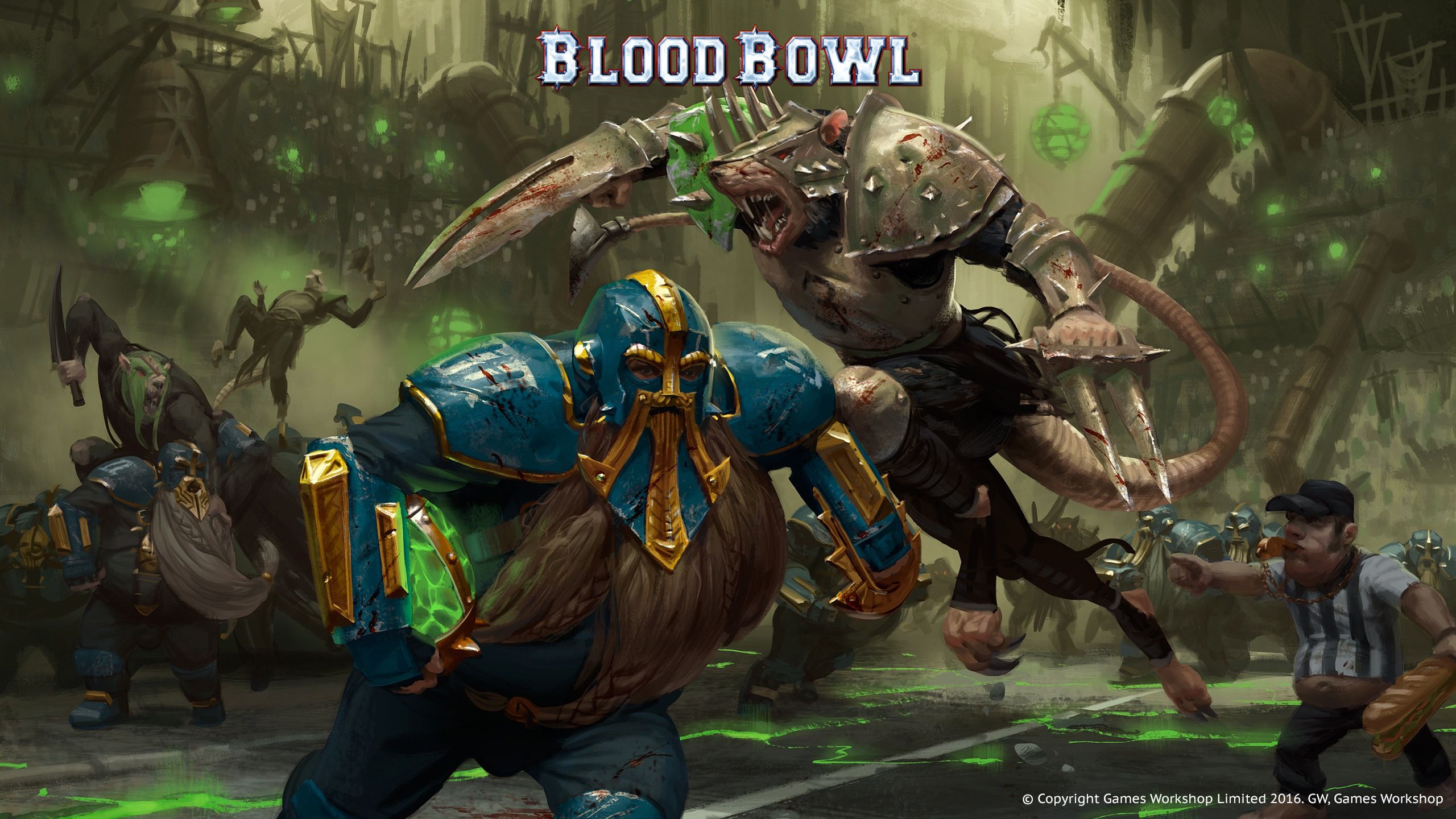
Beautiful and dynamic artwork that instantly engages and raises questions: “Wow, what is this?” and “Who are these dwarves? And why does he have a glowing stone under his arm? And who is this vicious-looking rat?” and “What can this man do against this huge orc with huge fangs sticking out of his mouth?”. This art immediately makes me want to learn about the gameplay, the differences between different factions and their playing styles, to read about their characteristics and the details of the game world’s lore.
Below I will provide examples of photos of works by local (for Austin, Texas) player-artists. This is worth your attention and will bring aesthetic pleasure.
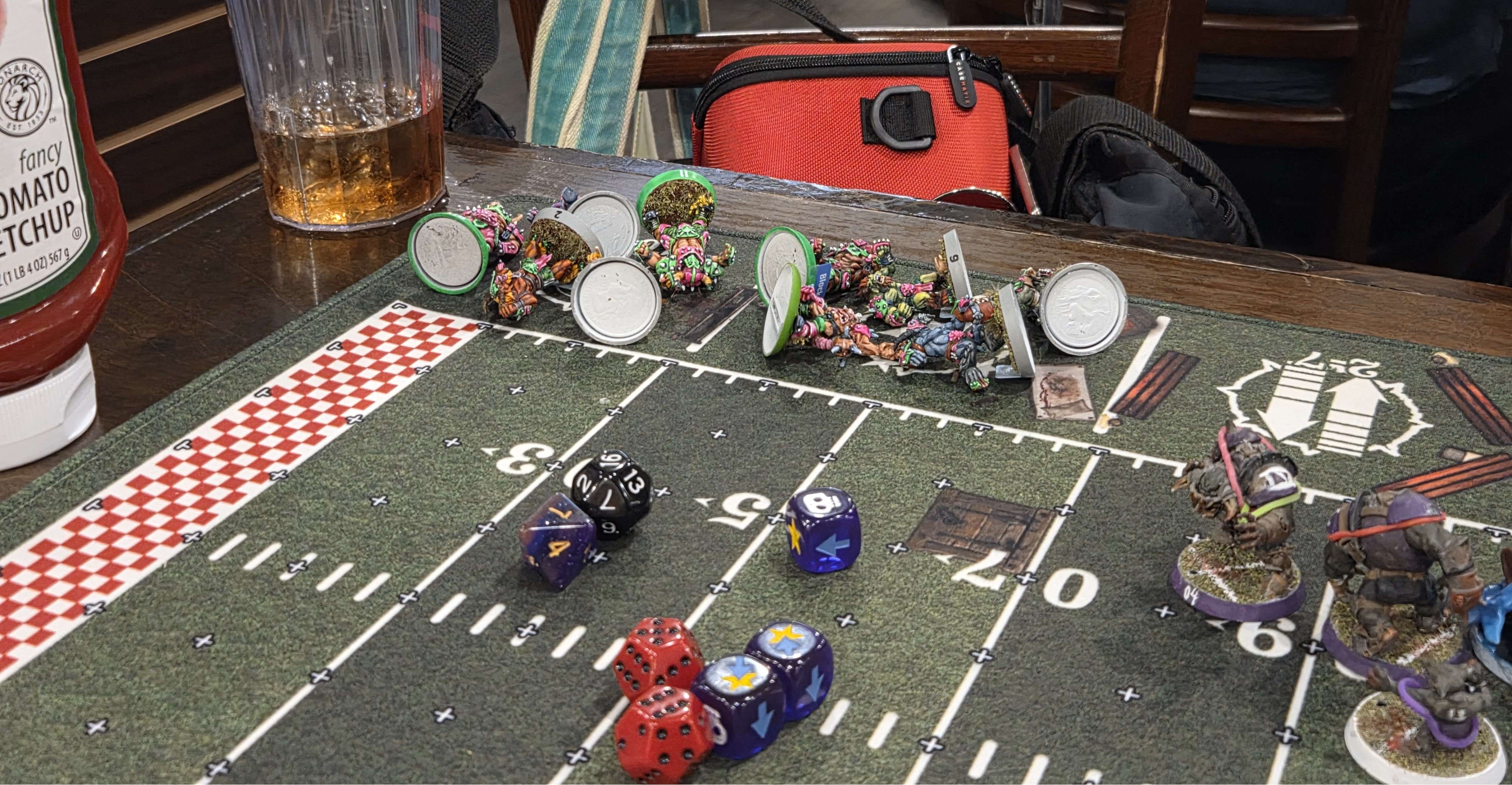
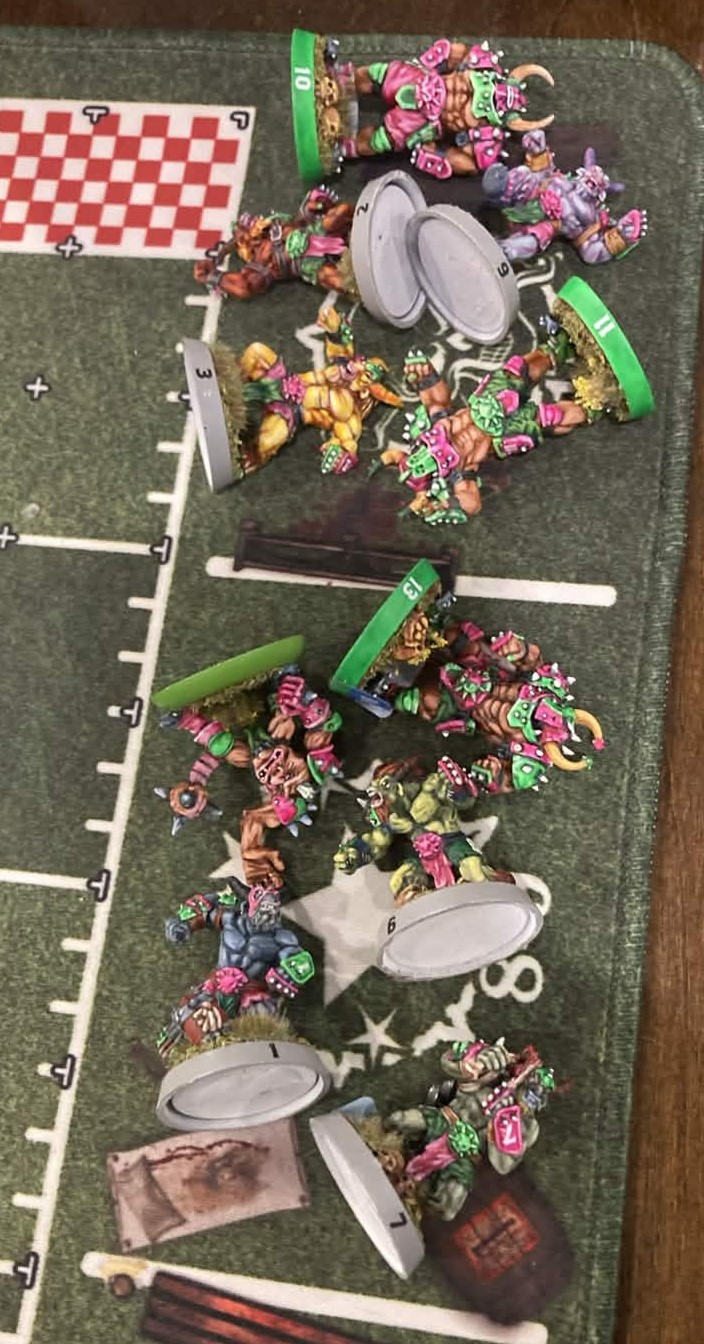
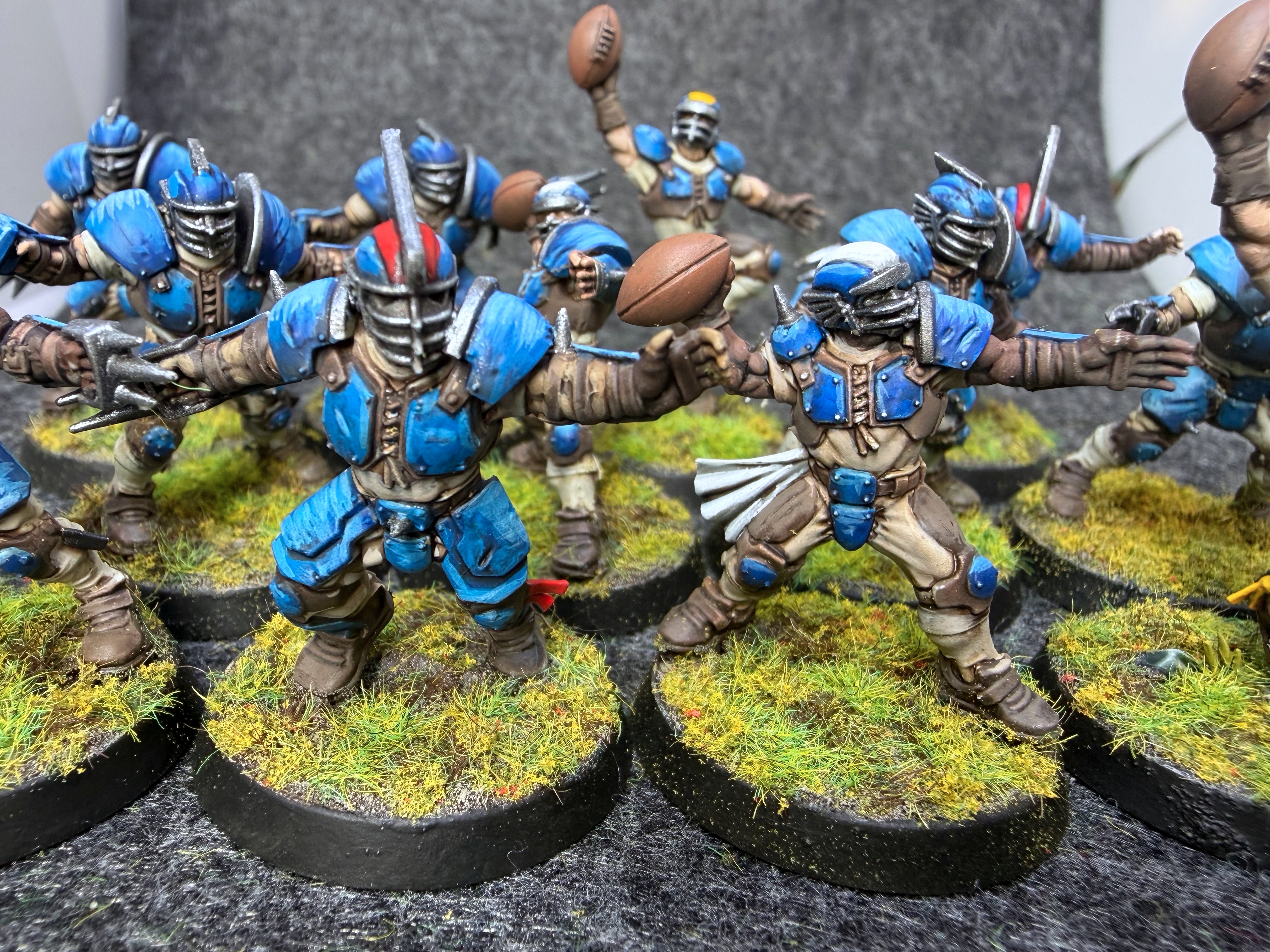
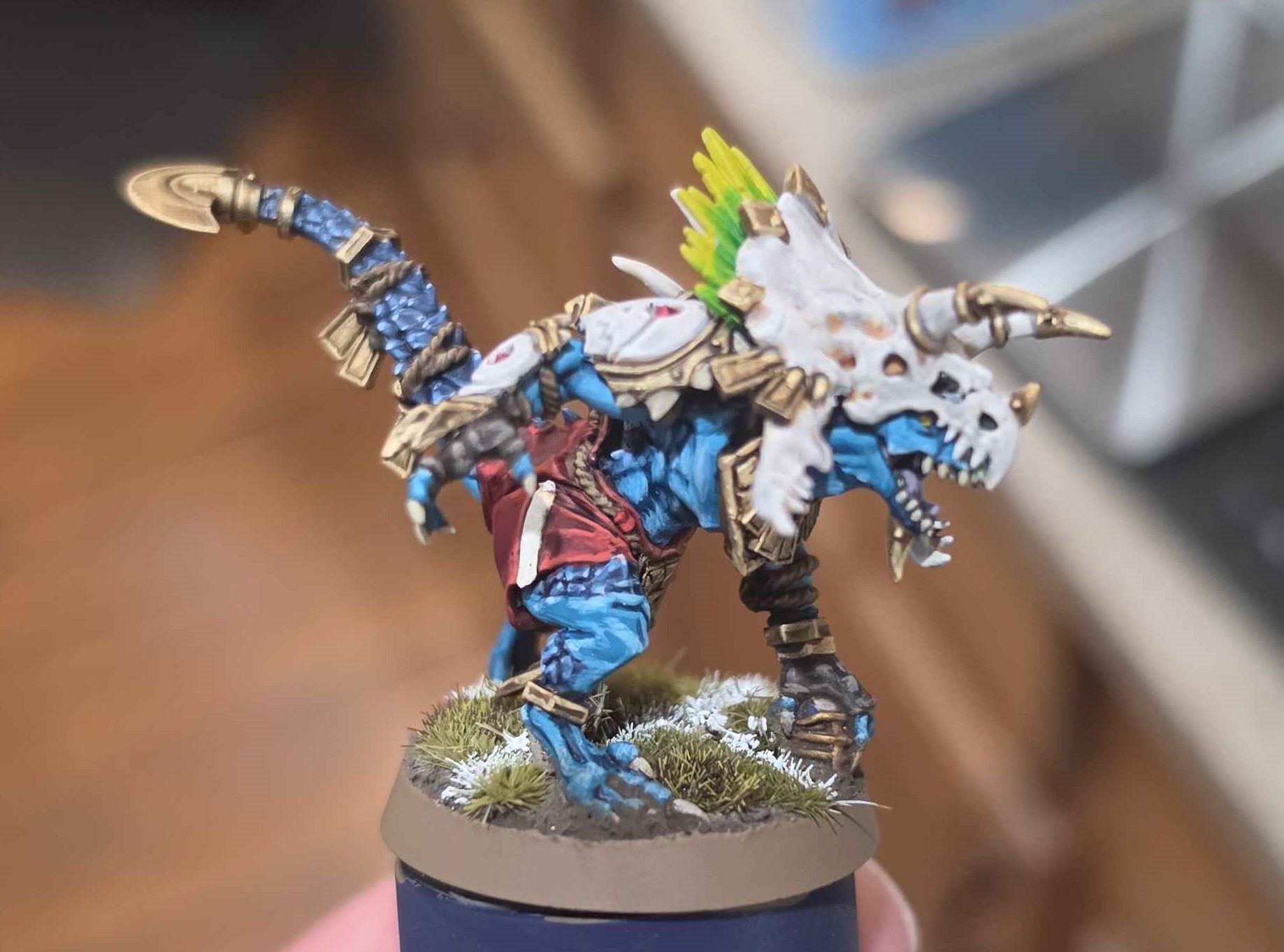
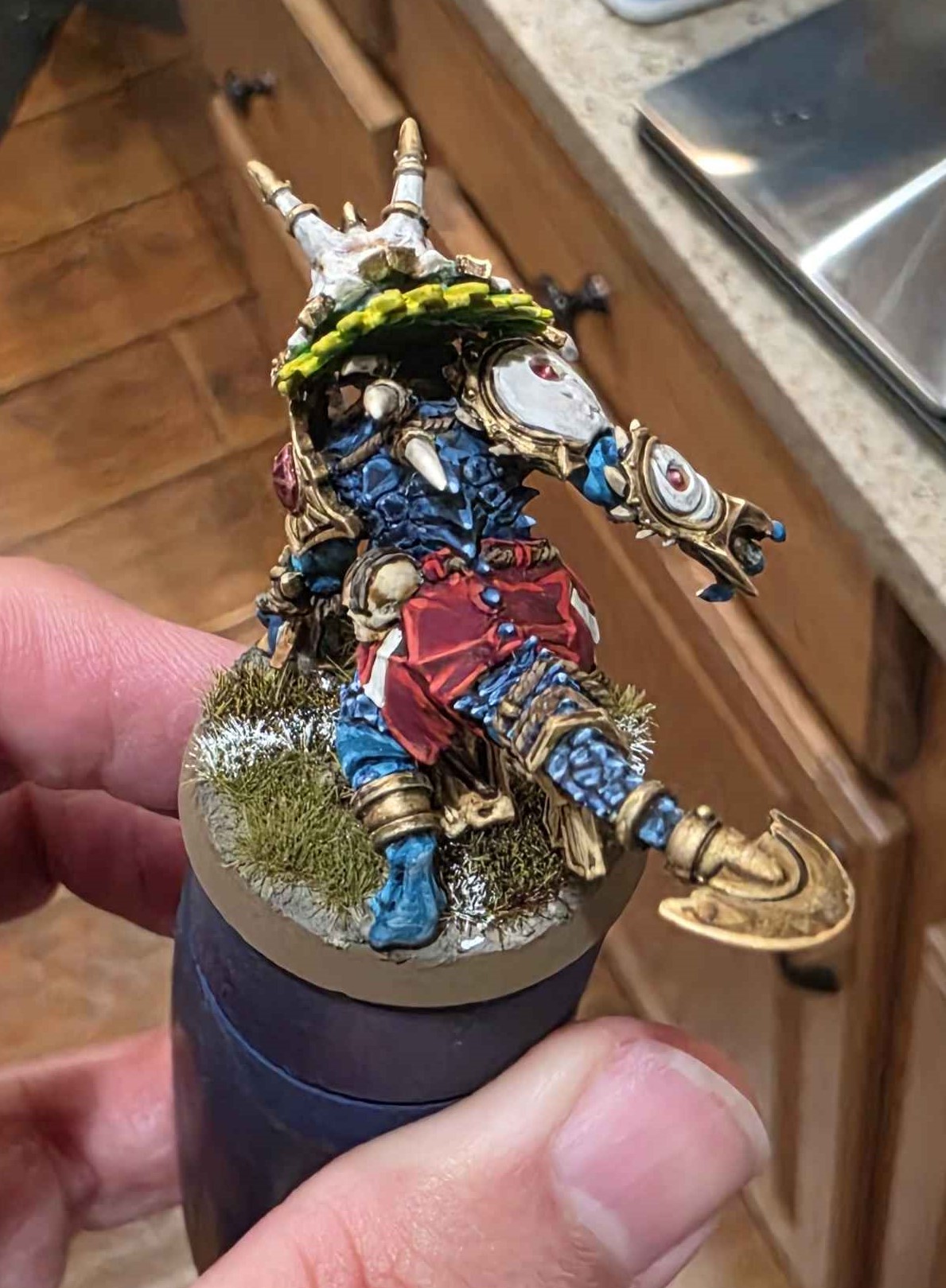
Great work, isn’t it? :) Every painted miniature becomes a work of art and an expression of the human soul in the form of creativity.
Of course, many authors work to create a recognizable and unique atmosphere of the very universe in which the game takes place. :) I will provide an example from a rulebook page that describes the origin of the tradition of playing Blood Bowl in this game universe.
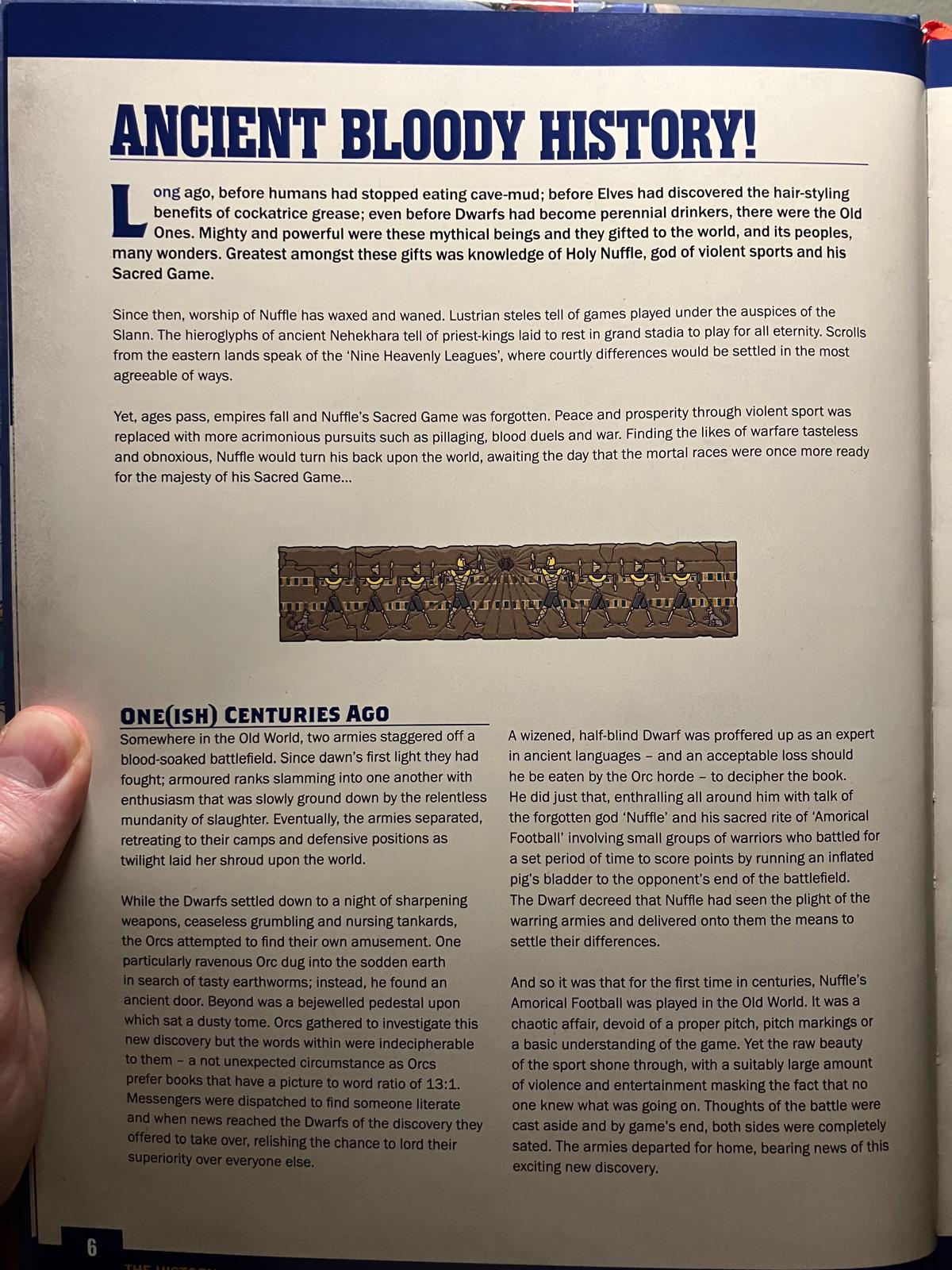
I will provide a translation for those who do not read English:
ANCIENT BLOODY HISTORY!
Long ago, before humans stopped eating cave dirt; before elves discovered the usefulness of cocatris fat for hair styling; and even before dwarves became eternal drunkards, there were the Ancients. Mighty and strong were these mythical creatures, and they bestowed upon the world and its peoples many wonders. The greatest of these gifts was the knowledge of the Holy Naffle, god of brutal sports, and his Sacred Game.
Since then, worship of Naffle has waxed and waned. Lustran stelae tell of games held under the patronage of the Slann. The hieroglyphs of ancient Nehekara tell of priest-kings who were buried in grand stadiums to play there for all eternity. Scrolls from the eastern lands speak of the “Nine Heavenly Leagues,” where courtly disputes were settled in the most pleasant ways.
But centuries pass, empires fall, and the Sacred Game of Naffle is forgotten. World and prosperity through brutal sport are replaced by more vicious pursuits, such as robbery, bloody duels, and war. Finding such wars tasteless and disgusting, Naffle turned away from the world in anticipation of the day when the mortal races would once again be ready for the greatness of his Sacred Game...
A HUNDRED YEARS AGO (APPROXIMATELY)
Somewhere in the Old World, two armies, staggering, came off a blood-soaked battlefield. From dawn they had fought; armored ranks crashed into each other with an enthusiasm that was slowly suppressed by the relentless monotony of slaughter. Finally the armies separated, retreating to their camps and defensive positions as twilight shrouded the world in its shroud.
While the dwarves settled in for the night, sharpening weapons, grumbling endlessly, and sipping beer, the orcs tried to find some entertainment. One particularly voracious orc was digging in the softened earth in search of tasty earthworms; instead he found an ancient door. Behind it stood a jeweled pedestal upon which lay a dusty folio. The orcs gathered to examine this find, but the words within were incomprehensible to them—which was quite expected, as orcs prefer books where there is one picture for every 13 words. Messengers were sent out to find someone literate, and when word of the discovery reached the dwarves, they offered to take charge of the matter, enjoying the opportunity to demonstrate their superiority over everyone else.
An old, half-blind dwarf was put forward as an expert in ancient languages—and as an acceptable loss if he were to be eaten by an orc horde—to decipher the book. He did just that, enchanting everyone around with tales of the forgotten god “Naffle” and his sacred rite of “Amorican football,” which involved small groups of warriors who fought for a certain period of time to score points by running with an inflated pig bladder to the end of the opponent’s field. The dwarf proclaimed that Naffle had seen the plight of the warring armies and given them a means to settle their differences.
And so it happened that for the first time in many centuries, Amorican football of Naffle was played in the Old World. It was a chaotic affair, lacking a real field, markings, or a basic understanding of the rules of the game. Nevertheless, the primal beauty of the sport manifested itself fully, and the appropriate amount of violence and entertainment masked the fact that no one understood what was going on. Thoughts of battle were cast aside, and by the end of the game both sides were completely satisfied. The armies went home, bearing news of this exciting new discovery.
Alright, enough introductory information about the game, and now to the point of the article.
As of now (June 19, 2026), the official client for playing Blood Bowl has 4 user interface options. And on my 1920x1080 monitor, they look like this. The screenshots were taken full-screen to give an idea of how much space the user interface takes up on the monitor screen. It is worth noting that the client supports the ability to change the scale, but on the presented screenshots the scale is set to 100%.
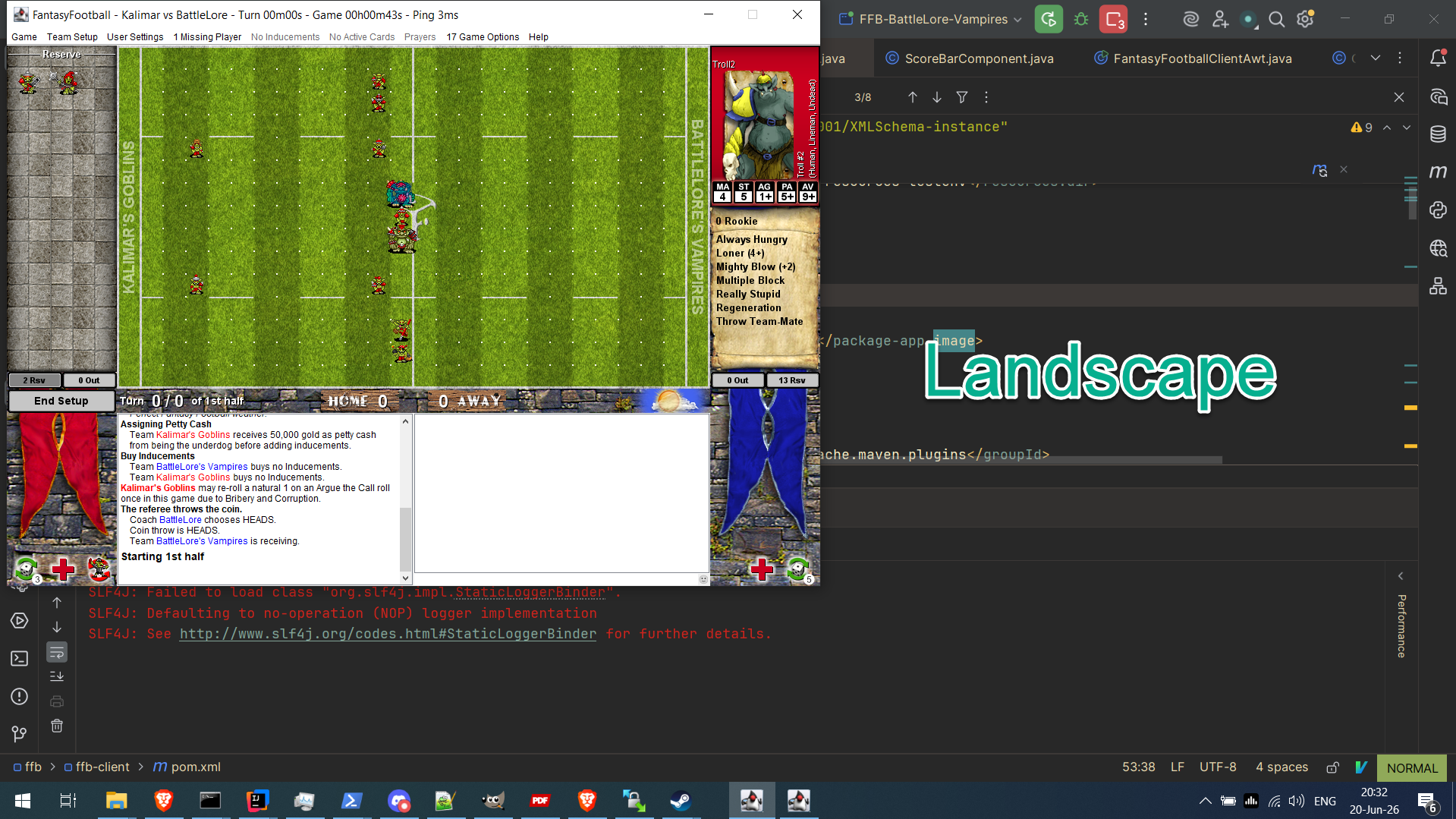
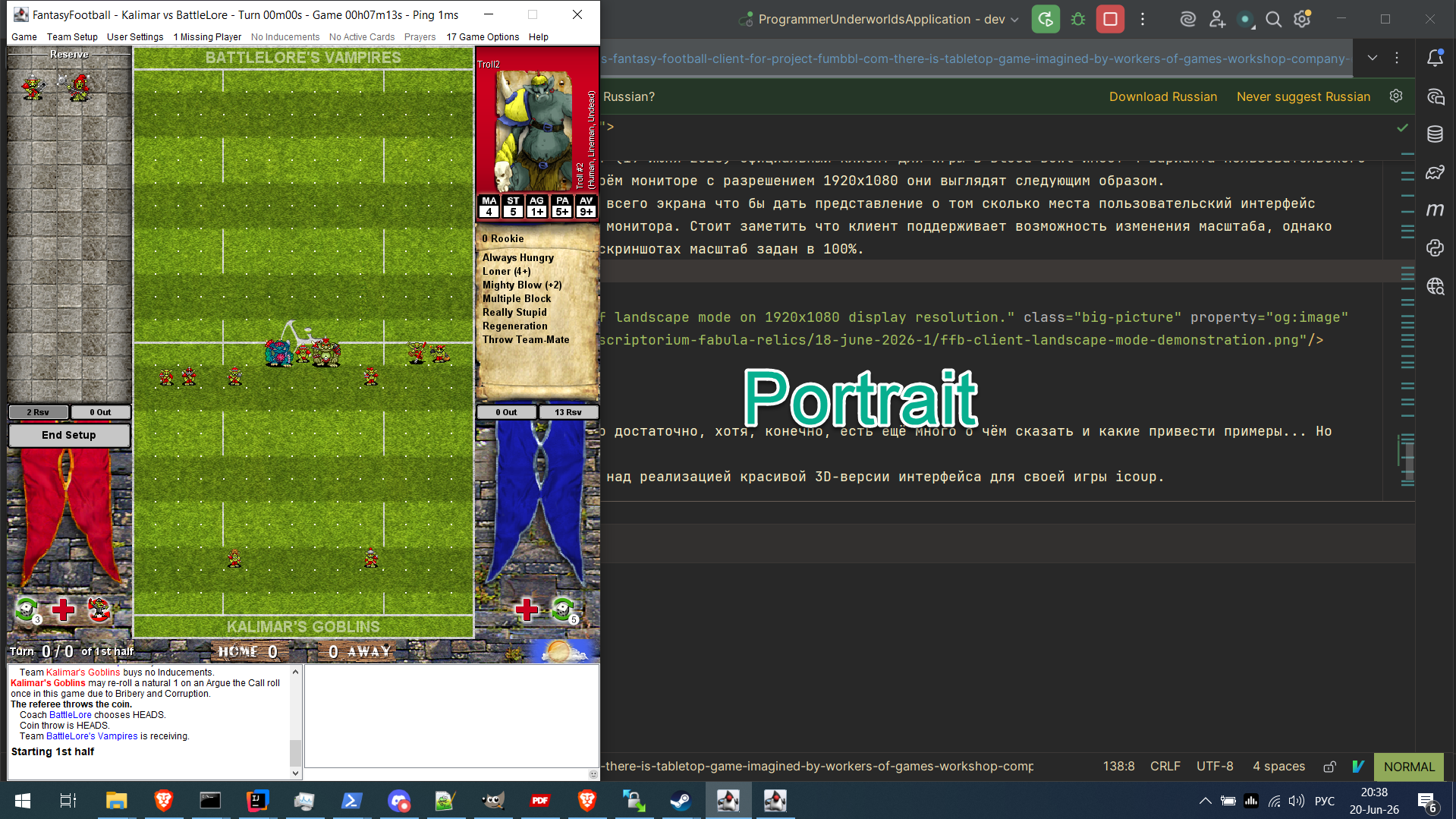
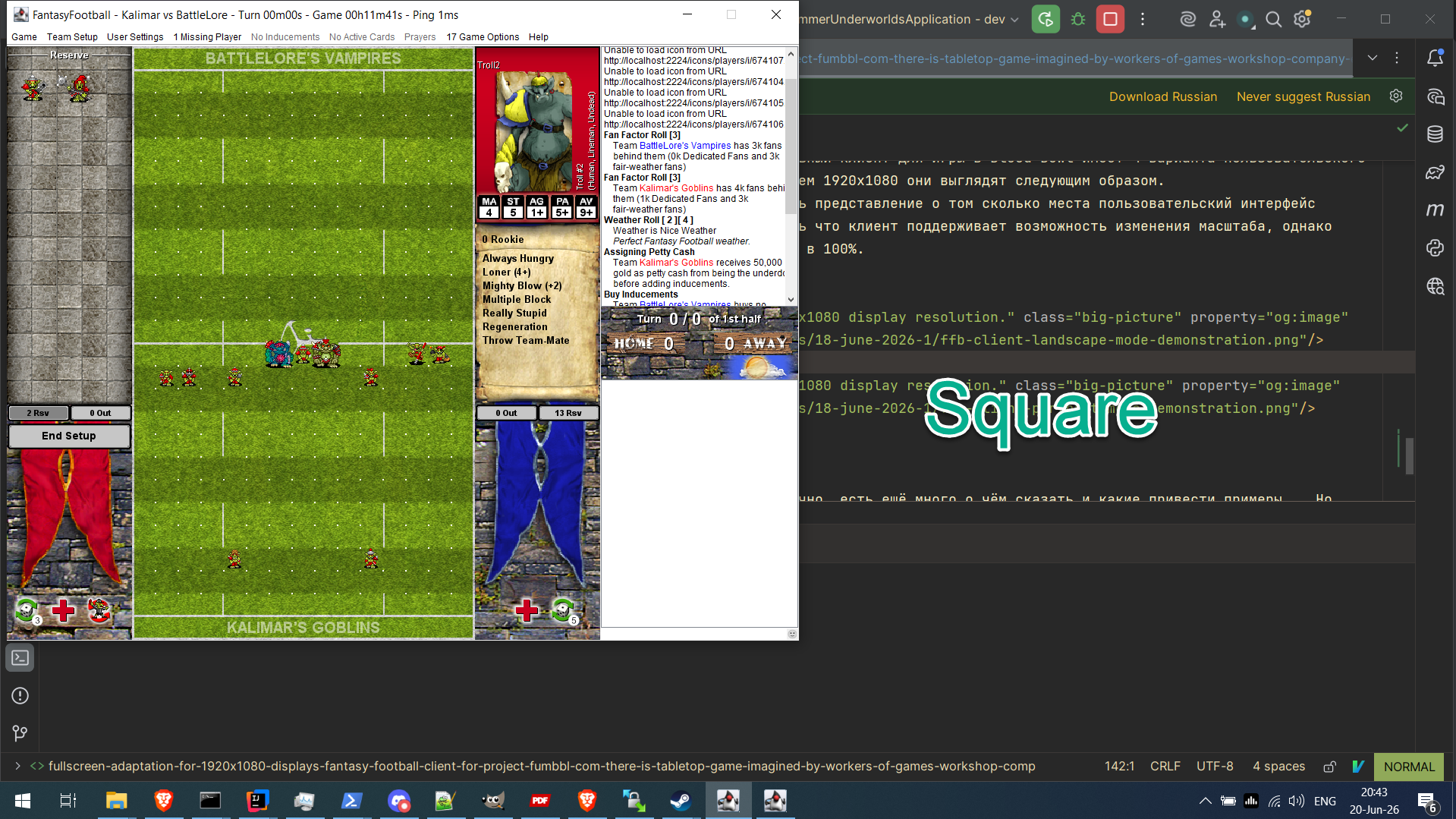
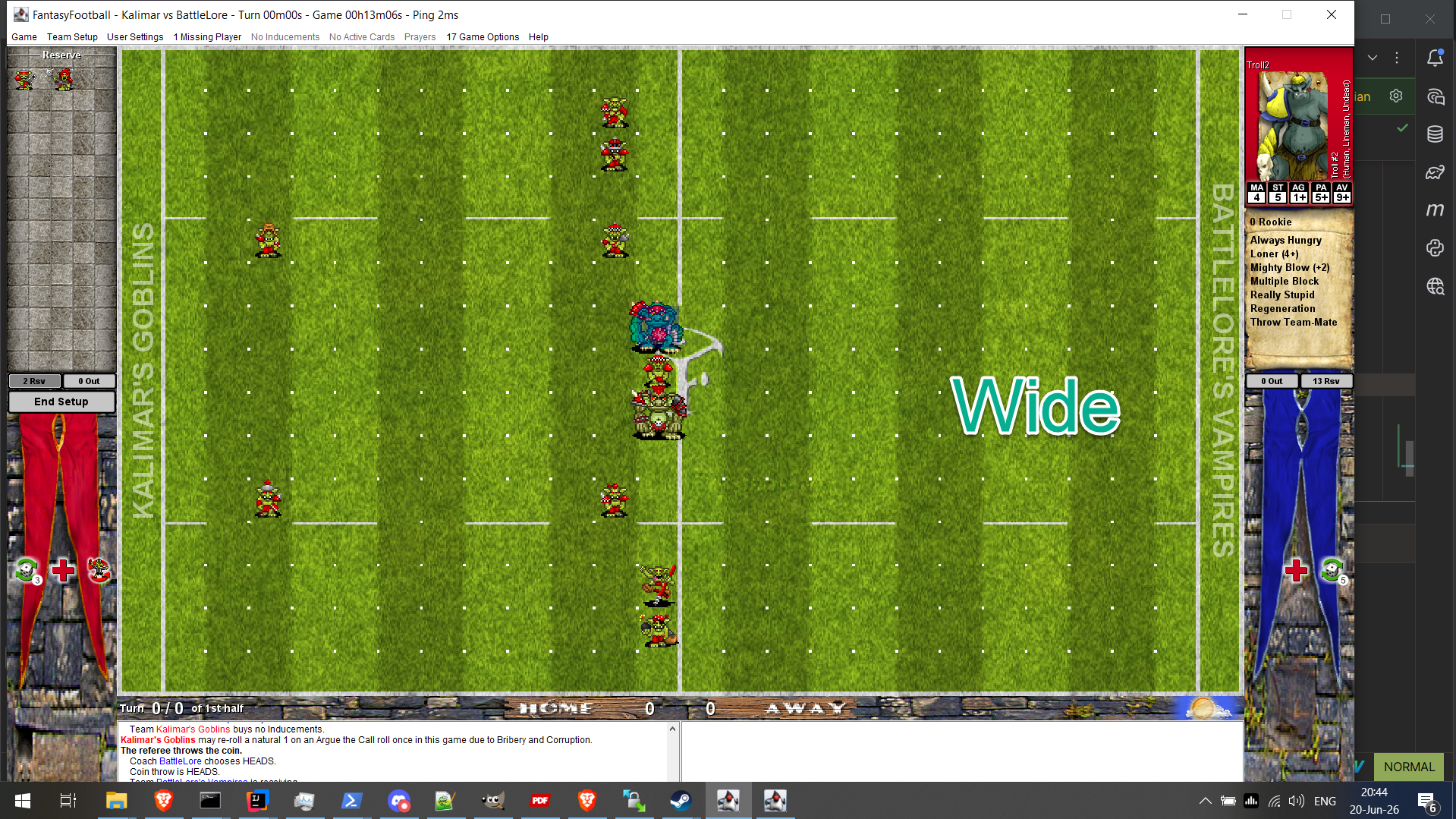
- 1. I should be able to see the players on the field more or less clearly. Good enough to distinguish their types without having to hover the mouse over them when I need to understand: is this a lineman (lineman) or is this a blitzer (blitzer), or is this a thrower (thrower), or someone else.
- 2. The text describing player characteristics on the side panels of the interface, which appears when hovering the mouse over a player, should be large enough for me to be able to read the player’s stats, keywords, and skills without changing my body position to bring my head closer to the screen by 10 centimeters. This affects comfort and enjoyment of the gameplay, you agree.
- 3. I should be able to see the interface area displaying dice roll results. It is located in the lower left corner of the game interface.
- 4. All of the above requirements should be available together and simultaneously for a more comfortable gaming experience.
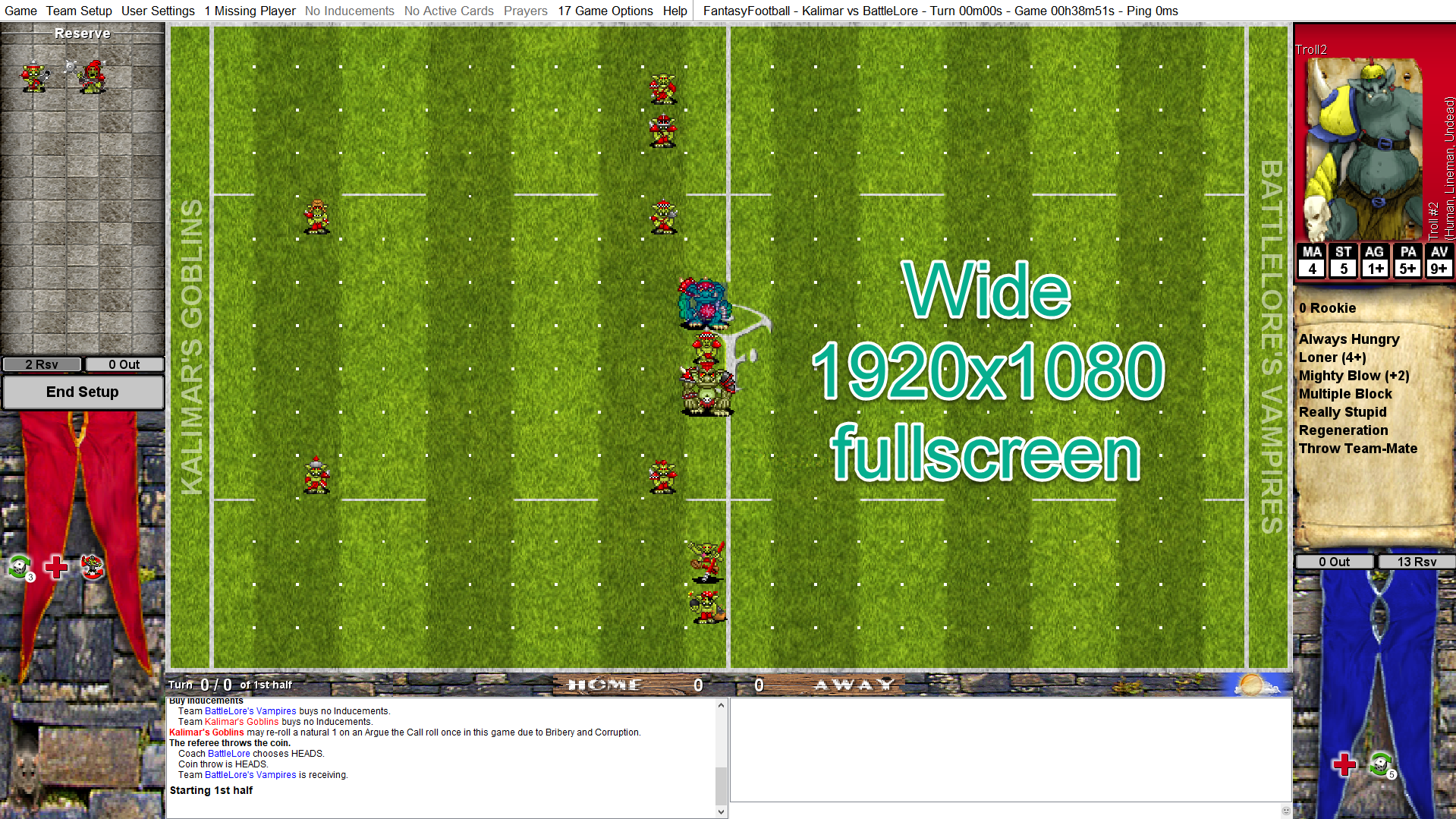
- 1. The side panels were expanded to accommodate larger font sizes representing player descriptions (their characteristics and skills).
- 2. The sizes of some buttons on the side panels were also increased to occupy the new full size of the side panels.
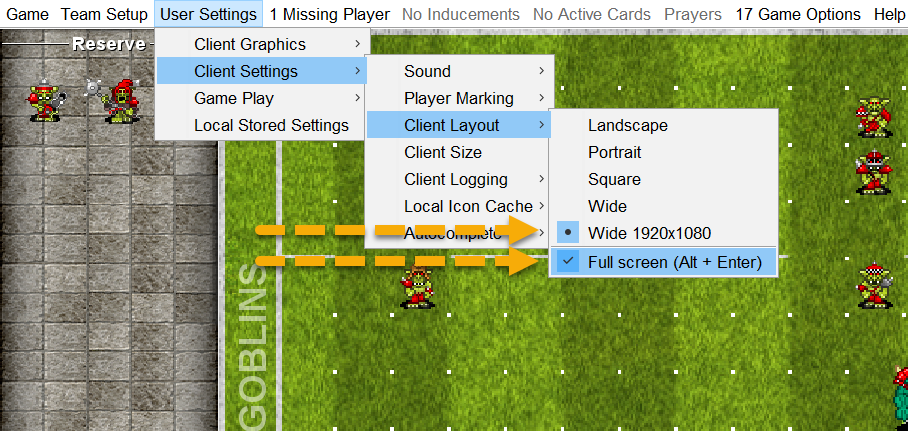
- 3. Full-screen mode (fullscreen) was added, which can be toggled via: “User Settings -> Client Settings -> Client Layout -> Full screen (Alt + Enter)”.
- 4. The interface was adapted for 1920x1080 resolution in fullscreen mode and is available via: “User Settings -> Client Settings -> Client Layout -> Wide 1920x1080”.
- 5. Other minor changes to the sizes of remaining visual elements to fit the new side panel size.
Results
The result has been tested by me during two games, and so far no problems have been noticed, and I am satisfied with the result. However, I have not tested the changes made under other interface options (Landscape, Portrait, Square, Wide), and as a result I cannot claim that I have not broken any of the existing interface schemes. I also did not test how my changes would affect other (and the new one I introduced) interface schemes when changing the scale. I invite you to download the client and test it with settings that suit you and let me know about any problems found via Discord or email pasha@programmer-underworlds.dev preferably with screenshots of your screen and information about the operating system on which you are running the client, and I will do my best to fix them. :) In the future, these changes may be integrated into the official game client distributed through fumbbl.com, if you find it convenient and after all found problems are resolved. Also, if you are using this version of the client and playing with the old user interface schemes (landscape, portrait, square, wide), I ask you to let me know if you did NOT FIND any problems after playing one or two games; then write to me at the email pasha@programmer-underworlds.dev, indicating which scheme you used and mentioning that no problems were found. This is needed to gather test information that will confirm that my changes have left the old schemes untouched. This will be valuable information for me and the official client developers and will simplify the process of integrating the changes into the official fumbbl.com client. I will be sincerely glad if these changes find their users and improve the enjoyment of the gameplay and add comfort during the game! :)Where to download and how to run the client with the new interface?
If you are a Windows user
If you are using Windows, you can download the exe file from the following link: here. It is a 7zip self-extracting archive that includes the client itself and Java 21 JVM, which is necessary to run it without downloading and installing a separate JVM. After you download this file and run it, you will see a dialog box asking you where you would like to extract the client.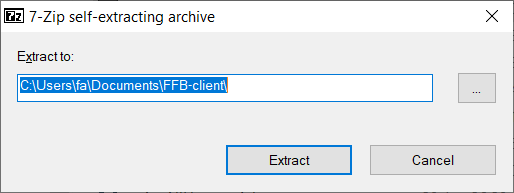 Choose a path and click the Extract button, after which a directory named FantasyFootballClient will appear in the specified location. Inside this directory you will see the following contents:
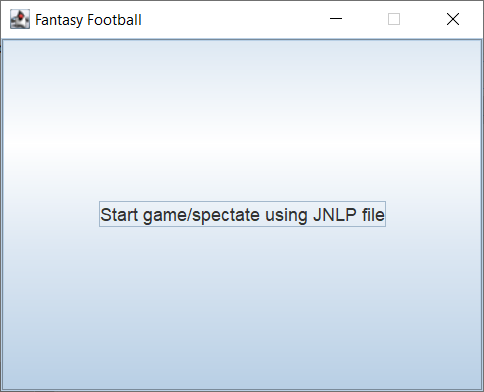 Go to fumbbl.com and download the jnlp file as you normally do to start the game.
  And in the open client window, click on the button Start game/spectate using JNLP file, and you will see an open window for selecting a jnlp file; select it, and after that the client will download the jnlp file and you will see a standard window as if you had launched the client using the official client from fumbbl.com. From this point on, you know what to do next! ;)
If you are using Linux or macOS
If you are a Linux or macOS user, I recommend that you install Java 21 before running the new client. If you are on Linux, you know how to do this, so I won’t explain it here. ;) If you are a macOS user, write to me and I will update this page, adding instructions for macOS users if the steps described below are not enough for you to understand how to do this. I assume that in BB through fumbbl.com there are enough experienced users to understand what is written below and apply it to their operating system. After you install Java 21, you can download the jar file here. And to run the client, you can use the following command:
java -jar -Dsun.java2d.uiScale.enabled=false FantasyFootballClient.jar -noCoachNoConnection -build programmer-underworlds.dev
- -Dsun.java2d.uiScale.enabled=false — an argument that will prevent your operating system from applying scaling if you have set such scaling for your needs within the operating system. This, in turn, will give the JVM the knowledge that it does not need to additionally scale the Java application you are running. Scaling within the client will still work.
- -noCoachNoConnection -build programmer-underworlds.dev — arguments needed for the client itself to initialize the interface correctly.
java -Dsun.java2d.uiScale.enabled=false -jar FantasyFootballClient.jar -jnlpOnInput "/path/to/jnlpFile.jnlp"
Information about the repository and changes made to the official fumbbl.com client
It is worth mentioning the fact that the changes made to the client are available in a public repository here. I conduct my work in a branch called my-live, and I make all changes to it (I know that this is not the Way of the Jedi). The my-live branch is based on the current Live branch of the official repository.The Emperor protects.